District 7 hosts a Matrix server for chapter communications within our district. This page provides detailed instructions on how to join and start interacting with fellow D7 Tau Bates!
Create an Account
1.) Navigate to webchat.tbp-d7.org. You will be greeted with this webpage:
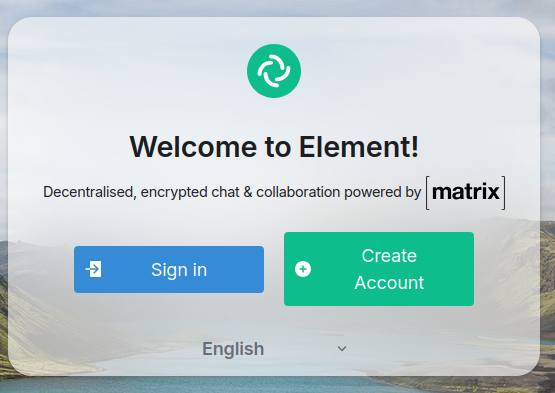
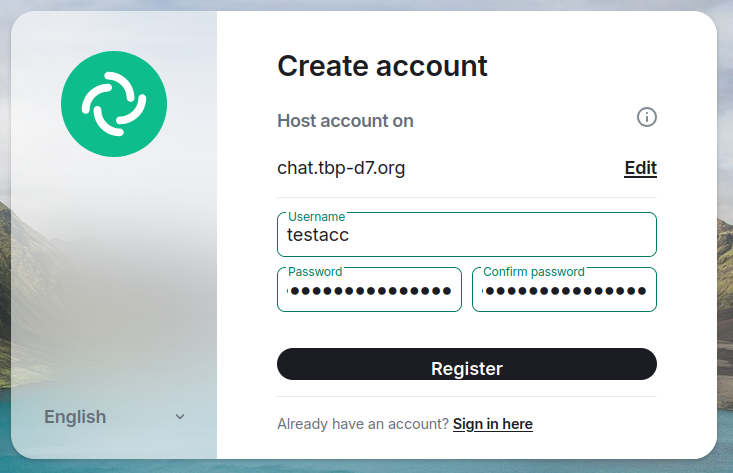
2.) Press “Create Account”. Fill out your desired username and password and press “Register”.
3.) When prompted, enter our highly secure access token as seen below. This helps us curb external automatic registrations somewhat.
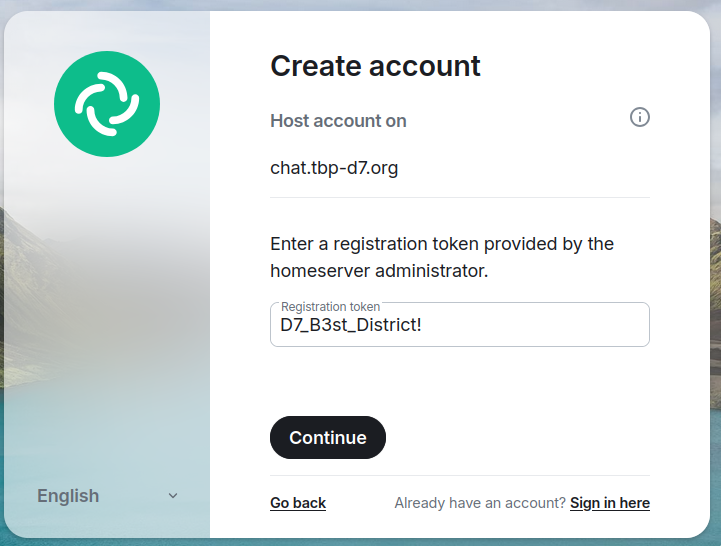
You will be prompted to enter your password (setup in step 2) again. After that you should now find yourself in the main Element window.
Getting access to D7 Spaces
In Element terminology, Spaces are collections of chat rooms. You will want to be invited to the main D7 space as well as a space for your chapter, if one exists. To do so, find our landing room by following these instructions.
1.) In the left panel, find the D7 Landing Room.
2.) Follow the instructions in the room description and somebody will give you access to the D7 spaces and any other spaces you may want to have access to.